How to Manage Cables on a Revon Standing Desk

See how the DivMag Cable Management Tray helps organize cables on a Revon standing desk, from messy wires to a cleaner, more structured setup.
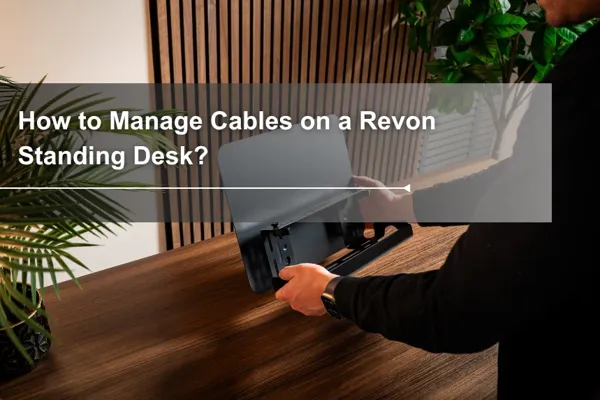
Table of Contents
The DivMag Cable Management Tray is part of the cable management system designed for our Revon standing desk. If you are interested in the tray but want a clearer idea of how it works in a real setup, this walkthrough shows how it helps clean up loose cables and create a more organized workspace.
The Original Cable Mess

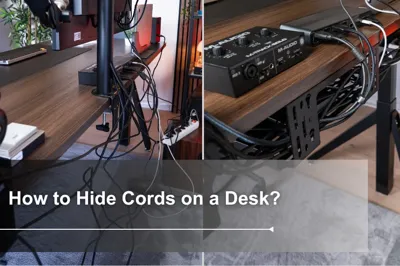
Before the DivMag Cable Management Tray was installed, the cables under the desk were visibly loose and scattered. The power strip even had to sit on a speaker on the floor. The keyboard was wireless, but the rest of the setup still included a microphone, monitor, laptop stand, speakers, and an M-AUDIO M-Track SOLO, all with their own cables. The monitor arm offered some basic cable routing, but it was not enough for the full setup.
Installing the DivMag Cable Management Tray

Start by installing the DivMag Cable Management Tray. The Revon standing desk has built-in rails along the rear and sides of the desktop, so the tray can be mounted directly under the desk.
One practical advantage of this system is flexibility. If the first position does not feel right, the tray can be moved later without removing screws or drilling new holes elsewhere. It can even be repositioned to the side of the desk when needed.

The installation itself is simple. Align the knob with the slot, then twist it to lock the tray in place.
The tray also includes multiple openings, which makes it easier to route cables through different points when needed.

If your setup has longer cable runs, adding more than one Cable Management Tray can make the layout easier to control.
Using Multiple Trays for Longer Cable Runs

In this setup, three DivMag Cable Management Trays were installed to support the cable routing more effectively.

Next, place the extension cord or power strip inside the tray system. Moving it off the floor helps bring the entire cable path closer to the underside of the desk, which makes the next steps cleaner and easier.
Rerouting the Cables


Once the trays are in place, start rerouting the cables. Route them behind the monitor, along the desk frame, and toward the tray system so the layout begins to feel intentional instead of loosely hanging in different directions.


As the cables are reorganized, it is normal to end up with excess length. At that stage, hook-and-loop ties or cable ties can help keep low-current signal cables more organized.


Using multiple DivMag Cable Management Trays also helps support longer hanging cables instead of leaving them suspended underneath the desk. In this setup, one thicker cable is routed through the center of the monitor arm, which helps the whole arrangement look cleaner and lighter.
Add the Desk Divider After Cable Routing

If you are also using the DivMag Desk Divider, it is easier to organize the cables first and install the divider afterward. That leaves more room to work while routing and adjusting cables.

As mentioned earlier, the Revon standing desk also includes side rails, so the Desk Divider can be mounted on the side of the desk as well. The magnetic controller placement keeps it easy to reach without getting in the way during daily use.
Final Touches for a Cleaner Setup

After the cables are sorted, smaller accessories and personal items can be added back to the setup. Accessories such as The Zigzag Tray and Container help keep those items within reach while maintaining a cleaner overall look.
A Few Cable Management Tips
Before bundling any cable, first check whether it is a signal cable or an AC power cord. Low-current signal cables such as USB charging cables, LAN cables, and mouse or keyboard cables usually do not generate noticeable heat when loosely coiled, so they can be organized with hook-and-loop ties.
Avoid bending or tightly bundling extension cords or the thicker cables connected to desktop PCs.
Do not bend the point where the cable meets the plug. This can concentrate electrical resistance in a very small area, such as the contact point or terminal, and may create intense localized heat when current passes through.
For cables connected to devices, avoid folding them completely in half. A gentle U-shaped curve or a loose figure-eight wrap is a better way to manage the bend.
This is one example of how the DivMag Cable Management Tray can be used to create a cleaner setup on a Revon standing desk. Together with the rest of the DivMag system, it gives you more flexibility in how cables are routed and managed over time. For more workspace solutions in the same system, you can explore our full DivMag accessories collection.
Tag




Dezctop